
Searching Cases by Name
Open Kansas Judicial Branch CaseSearch, accept the access notice, and select Barton County. Choose Party Name for a person or Business Name for an entity. Official guides also document Nickname and Sounds Like options. Use a filed-date range, case type, status, or judicial officer to reduce a broad list.
- Open CaseSearch and choose Barton County.
- Select Party Name, Business Name, or another documented search type.
- Enter the name and add only useful narrowing fields.
- Compare case type, filed date, status, and court before opening a match.
- Open Events and any public View Document link.
| Field Label | Type | Required | Notes |
|---|---|---|---|
| Location | Dropdown | Search context | Select Barton County. |
| Search Type | Dropdown | Yes | Party, business, case number, citation, attorney, judge, and more. |
| Search Term | Text | Yes | Enter the value that matches the chosen type. |
| Case Type or Status | Dropdown | No | Advanced filters narrow results. |
| File Date Range | Date | No | Limits filing dates, not hearing dates. |
Barton CaseSearch Field Choices
Official Kansas Smart Search materials list Smart Search, attorney bar number, attorney name, business name, case cross-reference number, case number, citation number, judicial officer, nickname, and party name. Optional party criteria include date-of-birth ranges, SO number, booking number, and an FBI or KBI number label that varies by guide version.
Use the least sensitive field set needed to distinguish a public case. CAPTCHA or a human check may appear. Basic information may be open to guests, while approved or ID.me users can have different access. A registration gate is not a reason to use an unofficial people-search service. The public terminal and clerk are the official fallback.
The county’s official community page documents Barton’s cities.
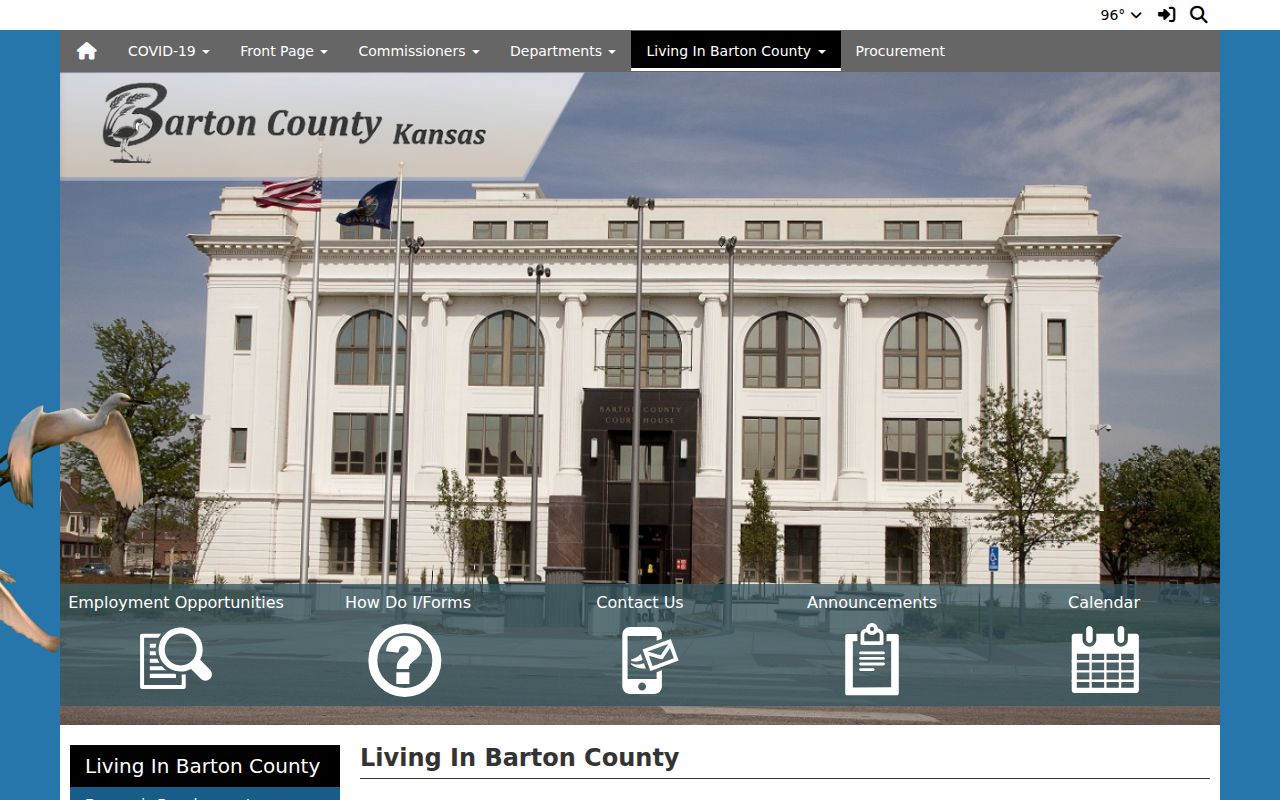
The city list matters because municipal cases remain with individual city courts rather than one countywide municipal search.
Searching by Case Number
Case number is the most precise route. Official tips show older compact forms such as 2019CV25 and RL2019CV25, while current records can use newer county-year-type-number patterns. Enter an old number exactly as printed. Do not force it into a modern hyphenated shape.
Select Case Number as the search type and Barton County as the location. If it fails, try Case Cross Reference Number only when the paperwork identifies one. Give the exact number to the Suite 306 clerk when the portal cannot resolve it.
Barton Old Number Pitfall
A failed old-number search does not prove the case is absent. Portal formats changed as Kansas moved through eCourt and launched CaseSearch in 2025. Older compact numbers may omit punctuation or carry a prefix that current displays arrange differently.
Keep the source format: Copy every letter and digit from the court paper, then ask the clerk to identify the legacy number if CaseSearch returns no match.
Use public party names and an approximate filed year only as a cross-check. Once a likely result appears, compare the caption, case type, county, and filed date before treating it as the same matter.
What a Barton Case Search Returns
Public district-court information can include the case number, case type, public parties, attorneys, judge, hearing dates, and filed documents. The event view can record filing, service, motions, settings, continuances, judgments, dispositions, and later activity. Exact labels and image coverage vary.
| Case Number | The court identifier for the matter. |
|---|---|
| Style / Parties | The public caption and party roles. |
| Case Type | Civil, criminal, domestic, probate, traffic, or another category. |
| Filed Date | The date the clerk opened or accepted the case. |
| Status | The current open, pending, closed, or disposed label. |
| Events | Chronological public actions and available document links. |
Barton Events and Documents
A case event and a document are different records. The event is an index entry. View Document may open the actual public filing when an image exists. Older files and some current entries can have events without online images. Online absence does not prove that the clerk lacks the document.
Write down the case number, event label, and event date. Ask the District Court clerk for that specific pleading, order, judgment, or docket sheet. Use a certified copy when an official receiving body requires court authentication. The portal’s own disclaimer says the internet view is not the official record.
The District of Kansas CM/ECF gateway illustrates a separate federal filing layer.
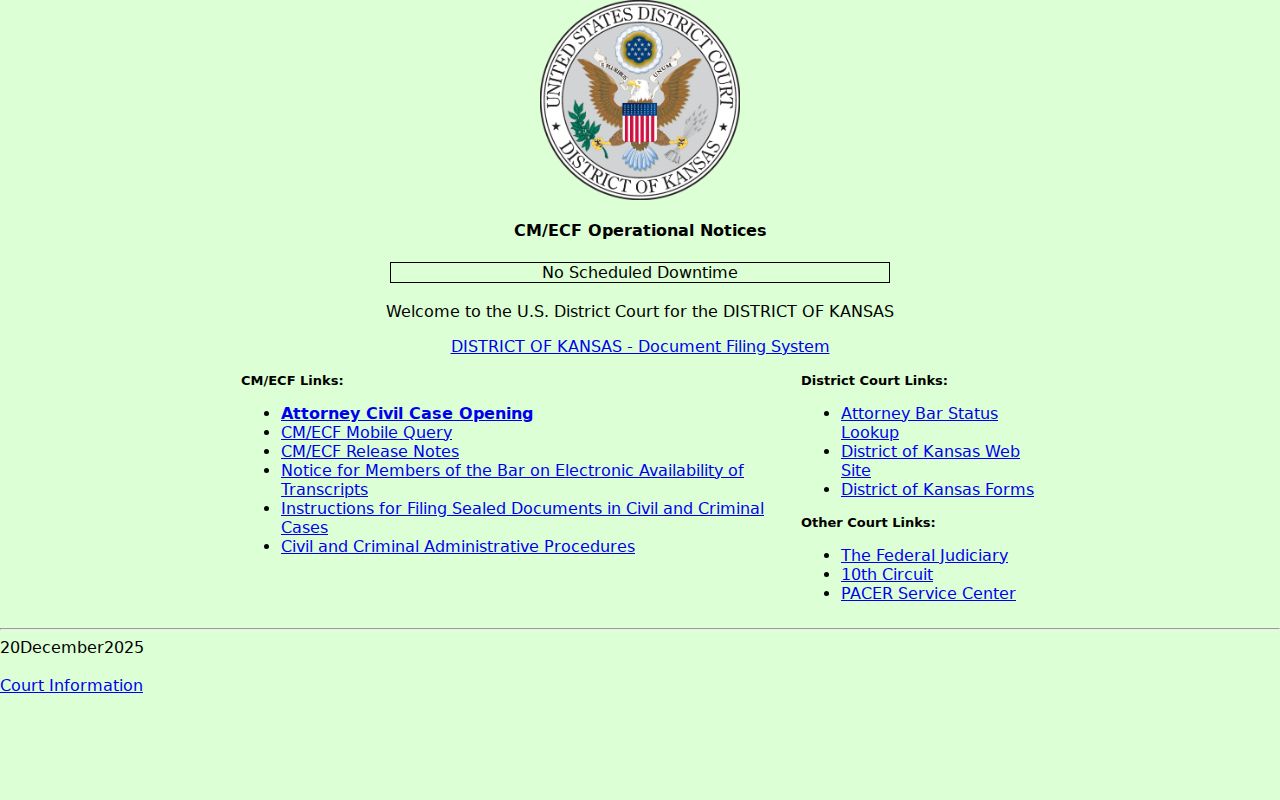
CM/ECF is not a Barton state-court search. It serves federal filing and docket access with separate PACER boundaries.
Statewide vs County Case Search
There is no separate Barton-only District Court portal in the research. CaseSearch is the statewide system, and Barton is selected as its location. The local layer is the courthouse terminal and District Court clerk. Those channels provide help with older files, missing images, certification, and a confusing number.
| Kansas CaseSearch | Barton Local Access |
|---|---|
| Public District Court search across Kansas locations | Suite 306 terminal, counter, phone, email, and mail |
| Internet fields, events, and available images | Otherwise-public local material and official copies |
| Best for remote lookup | Best for gaps, legacy files, and certification |
Barton Clerk Search Fallback
Rule 22 requires a public courthouse terminal for public case-record and event indexes. Visit Suite 306 at 1400 Main Street, Great Bend, during the county’s published weekday office hours. Martha Rivas’s records office can be reached at 620-793-1856, Martha.Rivas@kscourts.gov, or fax 620-793-1860.
A focused mailed or formal request should name Barton County District Court, the case number, record type, date range, and requested delivery. Barton NextRequest is a county-government request route; the Kansas court KORA form is designed for judicial records. Route state-court docket questions to the District Court clerk, not the County Clerk in Suite 202.
Barton CaseSearch Versus eFlex
CaseSearch and Kansas eFlex serve different users. CaseSearch is the public search for public District Court case information. eFlex is the Judicial Branch filing system for attorneys and eligible participants. Its login and worklist do not replace a public docket search.
| CaseSearch | eFlex / eFiling |
|---|---|
| Public case lookup | Case filing and participation |
| Guest-facing public information | User name and password gate |
| Events and available public images | Submission and filing workflow |
A public user who reaches eFlex should return to CaseSearch or contact Suite 306. Creating a filing account will not reveal a sealed record or expand ordinary public access. Likewise, CaseSearch cannot submit a pleading. Keeping the tools separate avoids both mistakes.
Access and Restricted Cases
CaseSearch is limited to public information under Kansas Supreme Court rules. Sealed and expunged matters can be excluded. Juvenile offender, child-in-need-of-care, adoption, grand-jury, and certain investigation records have statutory or rule-based limits. Some otherwise-public data may be available at the courthouse terminal but not online.
A missing result is not proof that no case exists. It may reflect spelling, filters, a legacy number, municipal custody, federal jurisdiction, restricted status, or incomplete online coverage. Restricted access requires lawful authority and the proper court process. The clerk cannot release a sealed record merely because a requester knows a case number.
Barton Has No Municipal Search
Great Bend, Hoisington, Ellinwood, Claflin, and Pawnee Rock maintain their own municipal-court information. No official source showed one search covering all five. City ordinance, municipal traffic, and city-code misdemeanor matters may therefore be absent from District Court CaseSearch unless appealed or transferred into a District Court matter.
Start with the city named on the citation or notice. Contact its Municipal Court clerk and provide the citation or case number. If a municipal judgment was appealed, K.S.A. 22-3609 routes that appeal to the District Court of the county where the city court sits, and the resulting District Court matter can create a Barton state-court record.
Barton Search Result Cross-Check
Never rely on a name alone. Compare at least three public fields, such as the case number, court location, case type, filed date, or public caption. A common name can belong to several unrelated matters, and an old closed case can appear beside a current one. The newest event date also helps distinguish similar results.
If a case should be public but does not appear, clear the filters and try the known case number. Next, try the exact business or party spelling from filed paperwork. Then use the courthouse terminal or call the clerk. No Barton-specific wildcard rule, online start year, refresh interval, result cap, or mobile-support promise was found, so those details should not be assumed.
For a court date, confirm the latest event against the statewide seven-day calendar and filed notice. For a document, record its event date and title before requesting the file. These narrow checks are faster and more reliable than an undefined search for every record linked to a name.
Barton State Versus Federal Cases
A federal question or diversity case belongs to the U.S. District Court for the District of Kansas, not Barton County District Court. Federal dockets use PACER and CM/ECF. CourtListener’s RECAP can contain some contributed federal documents, but it is not complete and does not replace PACER.
The official PACER service is the federal public-access route.
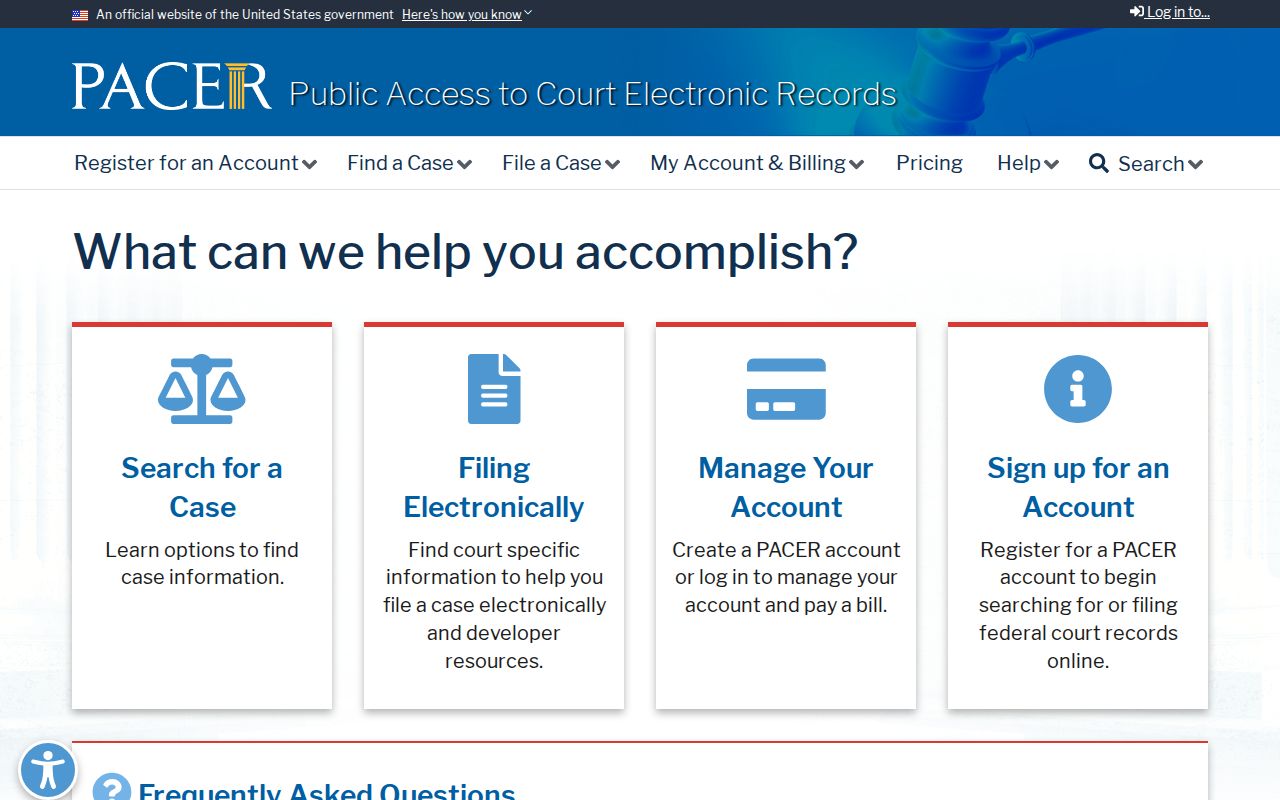
The federal portal image marks a jurisdiction boundary. Do not search PACER for an ordinary Barton District Court case, and do not use CaseSearch for a federal docket.